
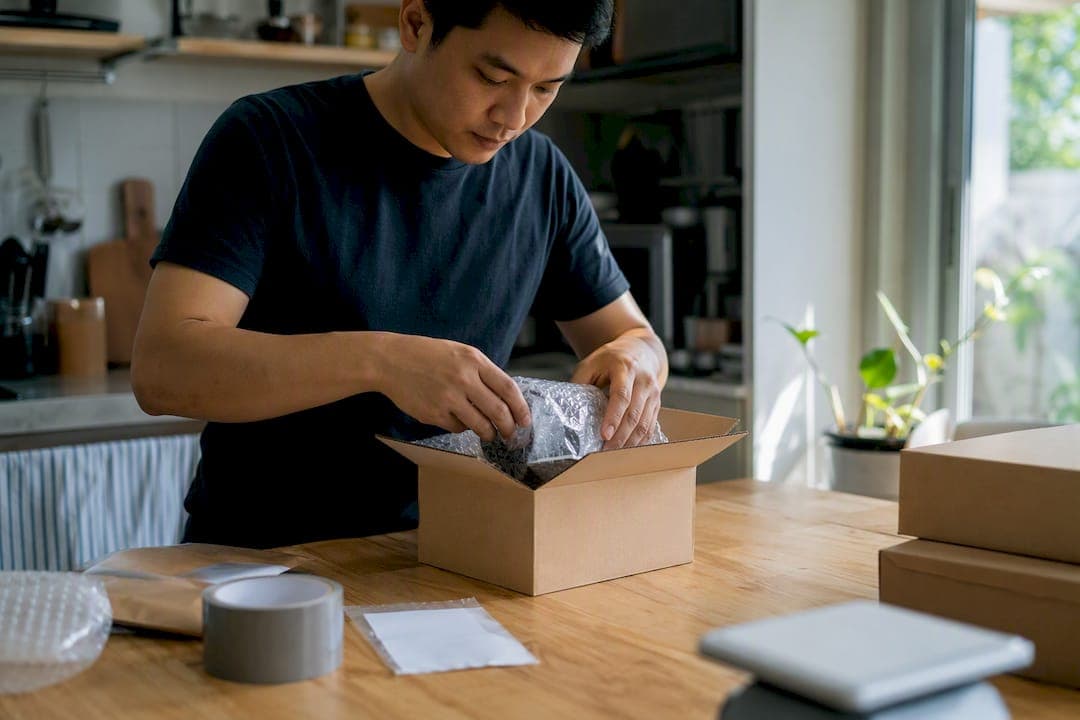
Ship it when the item has national demand, is hard to find locally, or is small enough to box without a fight. Choose local pickup when the item is bulky, fragile, or priced low enough that fees would eat your margin. That's the whole rule of thumb behind the shipping vs pickup marketplace decision, and almost every exception traces back to three numbers: sale price, weight, and how many local buyers are already messaging you.
Shipping on Facebook Marketplace widens your buyer pool past your zip code, but it comes with a modeled seller fee of roughly 10% on shipped checkout transactions, plus your packaging and label costs. Local pickup skips that fee entirely, but it only works if someone nearby actually wants what you're selling, and it carries its own risks: no-shows, safety concerns, and haggling in your driveway.
Here's how to read the signals fast:
- Choose pickup for anything bulky, heavy, fragile, or for items with relatively low resale value where fees might reduce profit.
- Choose shipping for rare, collectible, or high-demand items that don't sell fast locally.
- Check your price band first. Lower-priced items often do not remain profitable after shipping fees and packaging costs.
- Check local interest. A flood of messages within an hour usually means pickup will close the sale faster than shipping ever could.
Key Takeaways
The right fulfillment choice comes down to running fee math and demand signals through a calculator before you list, not guessing after the fact.
| Point | Details |
|---|---|
| Shipping fee math | Shipped checkout carries a modeled ~10% fee; a $50 sale with $8 shipping nets $44.20. |
| Pickup avoids fees | Local pickup keeps the full sale price but depends on local demand and safe meetup logistics. |
| Item suitability rules | Bulky, fragile, or low-margin items under about $20 usually belong on pickup, not shipping. |
| Offer both when unsure | Enabling shipping and pickup together often captures more buyers than picking just one. |
| DealFlipAI speeds the math | DealFlipAI's shipping and pickup calculators model net payout for both routes in minutes. |
Table of Contents
- Shipping Vs Pickup Marketplace: Pros and Cons at a Glance
- Facebook Marketplace Fees: Shipped Checkout Vs Local Pickup
- The Listing Checklist: Size, Fragility, Margin, and Demand
- How Do You Turn On Shipping and List Pickup on Facebook?
- Which Calculators and Tools Actually Help You Decide?
- A 4-Step Workflow to Decide on Any Listing
- What I've Learned Splitting My Listings Between Shipping and Pickup
- Test Both Scenarios Before You List With DealFlipAI's Calculators
- Sources
Shipping Vs Pickup Marketplace: Pros and Cons at a Glance
Every listing decision comes down to five factors: reach, fees, effort, risk, and speed. Weigh them wrong and you either leave money on the table or scare off a sale that was one text message away.
Reach is where shipping wins outright. A local-only listing competes with everyone in a 25-mile radius; a shipped listing competes with, and sells to, buyers nationwide. That matters most for niche items, like a discontinued video game console or a specific vintage tool, where local demand might be a single buyer who never sees your post.
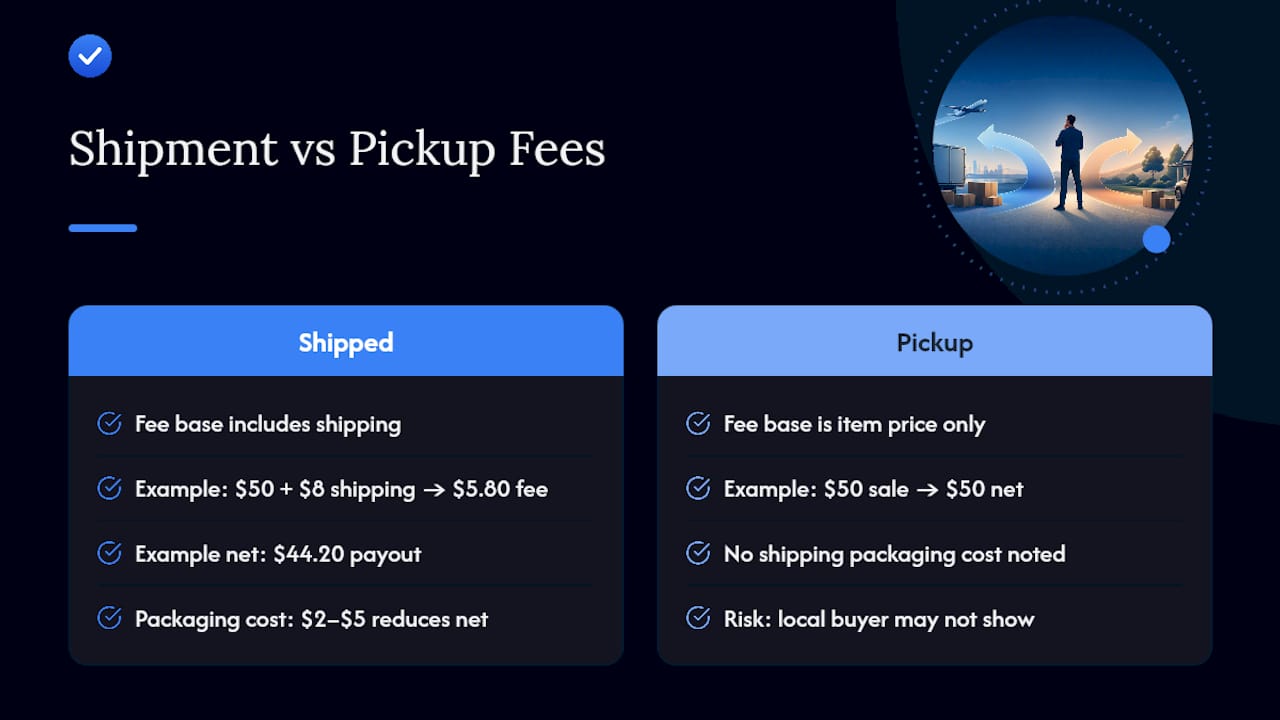
Fees cut the other way. Shipped transactions carry that modeled ~10% checkout fee, while local pickup has no Marketplace fee at all. On a $50 item shipped with $8 buyer-paid shipping, the modeled seller fee lands at $5.80, for a net payout of $44.20. Pickup keeps the full $50, assuming you don't drop the price to close the deal faster.
Effort looks different depending on which side of the transaction you're on. Shipping means boxing the item, printing a label, and dropping it at a carrier. Pickup means scheduling a meetup, possibly rescheduling twice, and standing around a parking lot. Neither is free. It's just a different kind of free.
Risk splits into two categories: shipping risk (damage in transit, buyer disputes over condition) and pickup risk (no-shows, low-ball haggling in person, safety concerns meeting a stranger). Facebook's Purchase Protection covers eligible shipped transactions, which gives shipped sales a safety net pickup doesn't have.
Speed and buyer preference often decide it for you. Some buyers want same-day pickup because they need the item now. Others prefer shipping because they're comparison shopping from out of state and won't drive an hour for a couch. Offering both options tends to capture more of both buyer types and can meaningfully expand your buyer pool instead of forcing a choice.
| Factor | Shipping | Local Pickup |
|---|---|---|
| Buyer reach | National | Local only |
| Marketplace fee | ~10% modeled on shipped checkout | None |
| Setup effort | Packing, labeling, carrier drop-off | Scheduling and meeting in person |
| Main risk | Transit damage, buyer disputes | No-shows, safety, haggling |
| Typical speed | Slower (transit time) | Faster (often same day) |
Facebook Marketplace Fees: Shipped Checkout Vs Local Pickup
The math is the part most sellers skip, and it's the part that actually decides whether shipping makes you money or just makes you busy.
The shipped checkout fee model works off the total transaction, including buyer-paid shipping in some cases, so the fee base isn't always just your item price. On a $50 sale with $8 in shipping, the modeled fee comes out to $5.80, leaving a net payout of $44.20. Pickup on that same $50 item nets the full $50, minus nothing, assuming the sale closes at asking price.
Pro Tip: Run the same item through both scenarios before you list. A $5 to $8 fee difference sounds small until you multiply it across 20 sales a month.
Here's how that plays out across common price points, assuming an $8 shipping charge where shipping applies:
Pickup wins on raw numbers in every row here, but that table doesn't include the cost of your time or the risk that a local buyer never shows up. Shipping can still be the more profitable choice when the item wouldn't sell locally at all, or when you can price it higher for a national audience than you could ever get from three buyers in your neighborhood. A rare collectible that sells for $100 shipped beats a $60 lowball offer from the only local buyer who wants it, fee or no fee.
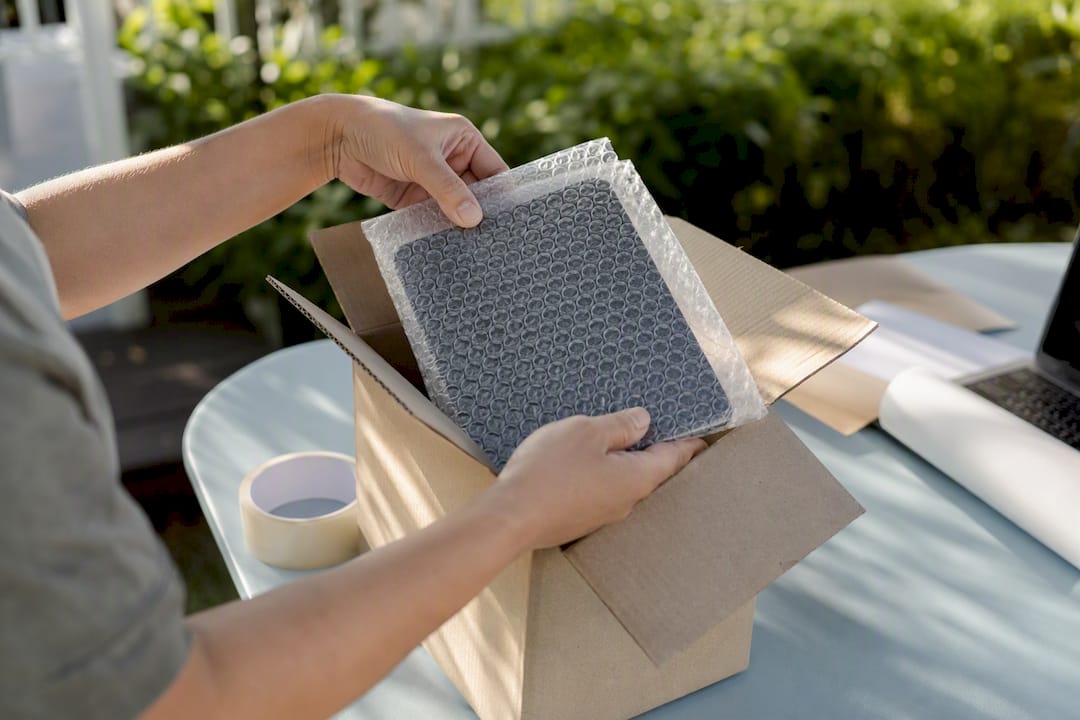
Packaging costs also belong in this math. A flat-rate box, some bubble wrap, and packing tape can run $2 to $5 depending on the item, and that comes straight out of your shipped net.
The Listing Checklist: Size, Fragility, Margin, and Demand
Run every listing through the same four checks before you decide how to sell it. It takes two minutes and saves you from shipping something that should've stayed local, or sitting on pickup for something that would've sold same-day nationwide.
- Measure and weigh it honestly. Don't eyeball it. A dresser that "feels like it'll fit in a medium box" almost never does, and oversized packages trigger extra carrier fees that quietly wreck your margin.
- Run the numbers through a calculator. Gather your sale price, estimated shipping cost, packaging cost, and the platform fee, then compare shipped net against local pickup net using a tool like DealFlipAI's Marketplace Pickup Cost Calculator.
- Check fragility and insurance needs. Glass, electronics, and anything with moving parts should factor in insurance or signature confirmation, both of which add cost but reduce dispute risk.
- Read your local demand signals. A listing with a dozen messages in the first hour is telling you something: pickup will likely close faster than shipping ever could.
- Price your own time. Packing and a carrier run might take 20 minutes. Coordinating three reschedules with a flaky local buyer can eat an entire evening. Time is a real cost, even if it never shows up on a receipt.
Pro Tip: Low-margin items under roughly $20 rarely survive shipping costs and time investment. If the numbers are tight, pickup almost always protects more of your profit.
Heavy or bulky items (furniture, exercise equipment, appliances) tend to fail the shipping test on packaging difficulty alone, while small, durable, brand-name items (electronics, tools, name-brand clothing) tend to pass it easily.
How Do You Turn On Shipping and List Pickup on Facebook?
Enabling shipping isn't automatic on every listing, and pickup works better when you set it up deliberately instead of leaving it to chance.
- Turn on shipping in your listing settings. When you create or edit a listing, look for the shipping option and toggle it on if your item and category are eligible. Facebook's shipping documentation walks through eligibility requirements and what's covered.
- Fill in accurate weight and dimensions. These fields drive the shipping cost calculation and the label Facebook generates. Guessing low here creates problems at the carrier counter and can delay your payout.
- Choose your shipping option. Some categories let you offer free shipping (built into your price) or buyer-paid shipping, calculated at checkout.
- Print the label and track the shipment. Once a shipped sale closes, Facebook generates a label and tracking updates automatically, both visible to you and the buyer inside the app.
- Set clear pickup instructions if you're going that route. Name a public location, a police station parking lot or busy retail lot works well, and state your available windows directly in the listing to cut down on back and forth messaging.
- Reduce no-shows with contactless payment. Apps like Venmo or Zelle let you confirm payment before the buyer even arrives, which cuts down on last-minute price renegotiation.
- Photograph every angle and disclose flaws in the description. Shipped buyers can't inspect the item in person, so a vague listing turns into a dispute risk the moment the box arrives.
Which Calculators and Tools Actually Help You Decide?
You don't need to run this math by hand every time. A handful of tools cover the entire decision in under five minutes.
- Multi-carrier rate tools like ShipStation let you compare USPS, UPS, FedEx, and DHL side by side, which matters because the cheapest carrier changes depending on weight and destination.
- Rate comparison services like Stamps tend to surface USPS as the cheapest option for lightweight parcels, while UPS or FedEx can pull ahead once a package crosses into heavier weight classes.
- Platform fee calculators show you the shipped-vs-pickup net side by side using the same fee model behind the $50 example earlier in this guide, so you're not guessing at what Facebook takes.
- DealFlipAI's shipping and pickup calculators were built for exactly this comparison. The Facebook Marketplace Shipping Fee Calculator models your shipped net payout, while the Marketplace Pickup Cost Calculator factors in travel time and meetup risk on the pickup side.
Run one quick test: plug in your sale price, estimated weight, and carrier rate, then compare the shipped net against the pickup net for the same item. Watch three outputs: net payout, margin percentage, and estimated time cost. If the margin difference is under $5 and pickup saves you a carrier trip, pickup usually wins on convenience alone.
A 4-Step Workflow to Decide on Any Listing
Skip the guesswork and run this sequence every time you're unsure which way to go.
- Calculate both nets. Run the item through a shipping calculator and a pickup calculator side by side, using real weight, real carrier rates, and the actual sale price you're listing at.
- Check item suitability. Bulky, heavy, or fragile items get flagged for pickup regardless of what the fee math says, since packaging difficulty and damage risk often outweigh a few extra dollars of margin.
- Scan local demand. Look at message volume and views in the first few hours. Strong local interest often means pickup will close faster than a shipped listing would.
- Make the call, or offer both. If the numbers are close, list the item with both options enabled and knock 5% to 10% off the pickup price to nudge undecided buyers toward whichever method suits you better that week.
What I've Learned Splitting My Listings Between Shipping and Pickup
Most active sellers land on a category-driven split without really planning it. Furniture and anything over 20 pounds becomes pickup-only almost by default. Electronics, tools, and name-brand items get shipping enabled because they travel well and sell to buyers who'll never see your local listing.
I once tested a used gaming console two ways. Locally, it sat for four days with lowball offers. Shipped, it sold within six hours to a buyer three states away at full asking price. The fee ate into it, but the item moved, and moved money beats an item sitting in a closet.
Running that comparison by hand used to take longer than the listing itself. A calculator built for this exact math, which is where a tool like DealFlipAI earns its keep, cuts that step down to a couple of minutes.
— Walsh Pex
Test Both Scenarios Before You List With DealFlipAI's Calculators
DealFlipAI gives you the same fee math this guide just walked through, minus the spreadsheet. The Marketplace Pickup Cost Calculator and Facebook Marketplace Shipping Fee Calculator model your net payout for both routes, so you're comparing real numbers instead of guessing which option protects more of your margin.
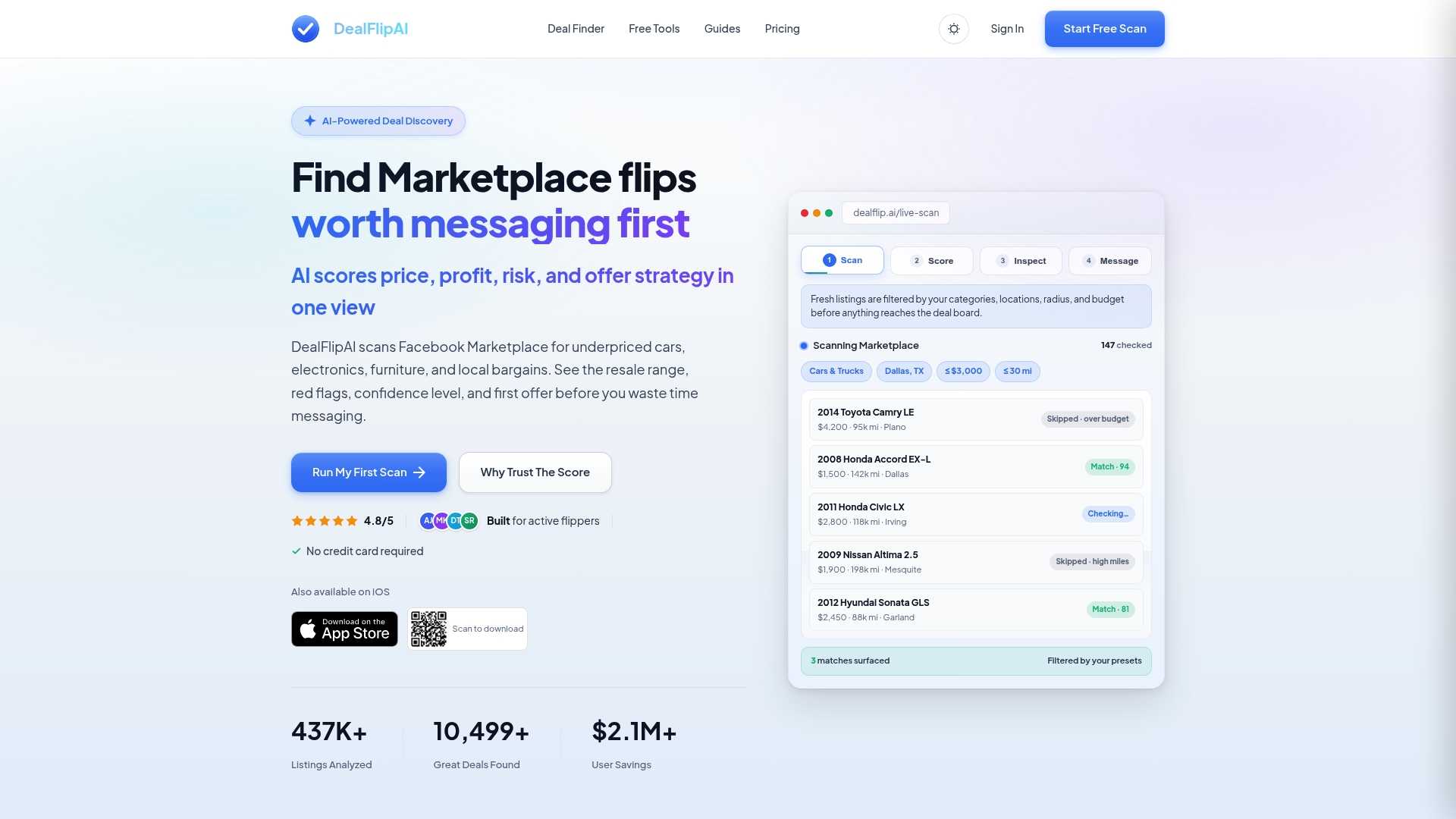
Start with one listing you're unsure about. Run it through the Flip Profit Calculator to see your margin after fees, packaging, and shipping costs side by side against a pickup-only scenario. If you're sourcing inventory as well as selling it, DealFlipAI's deal scoring and scam detection tools flag risky listings before you ever buy them, so the fulfillment decision is the only math you have left to do. This is optional, not a requirement for using the workflow above, but if you list often, it turns a five-minute manual calculation into a ten-second check. Try the Free Reseller Tools & Calculators page and run your next listing through both calculators before you publish it.
Sources
- Facebook Marketplace Shipping vs Local Pickup
- Shipping Rates Calculator: Compare & Estimate Costs | ShipStation
- About shipping on Facebook Marketplace
- Stamps